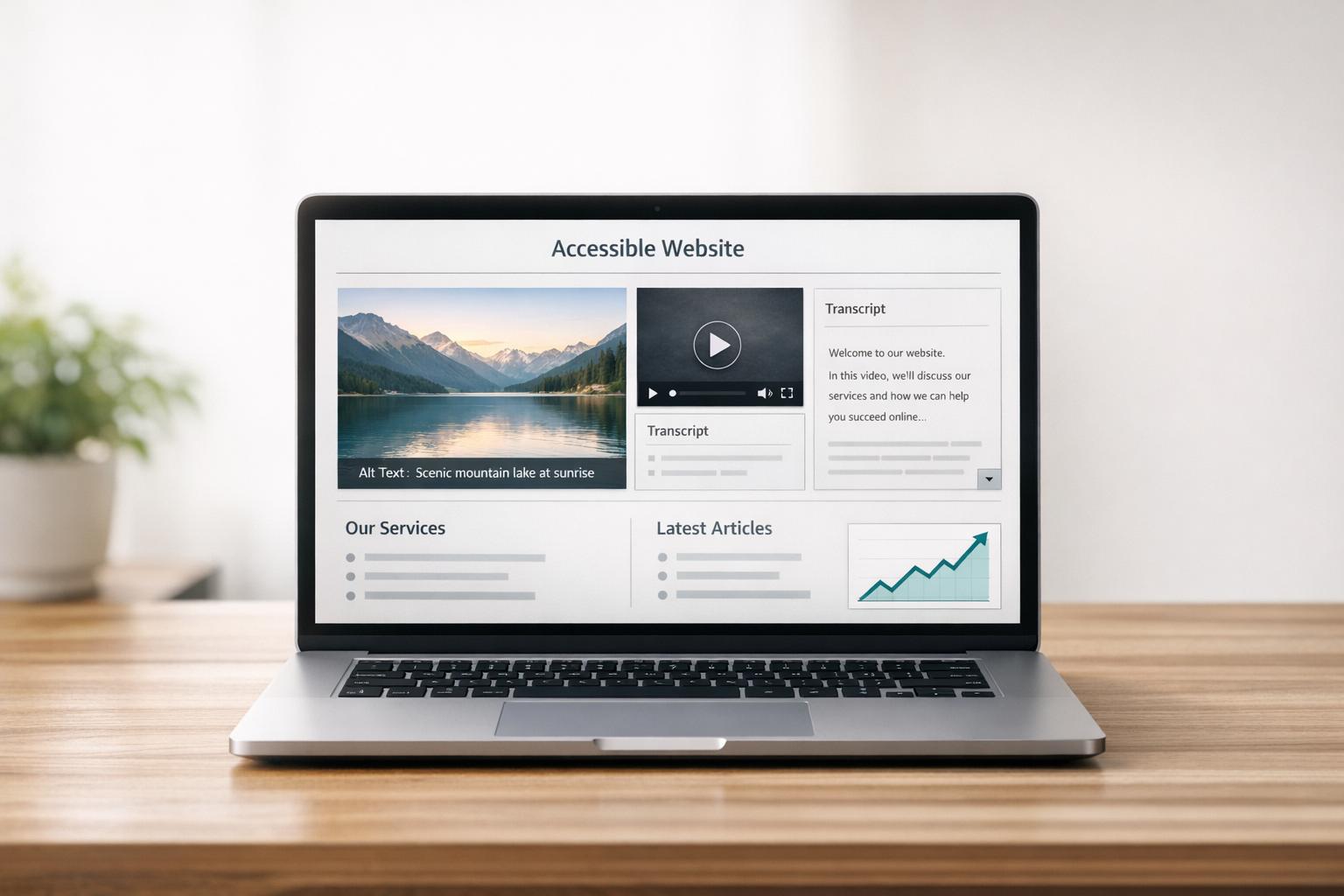
Making your website accessible doesn’t just help users with disabilities – it can also improve your search rankings. Accessibility measures like adding alt text to images, providing video transcripts, and using proper HTML structure make it easier for search engines to crawl and index your site.
Key Takeaways:
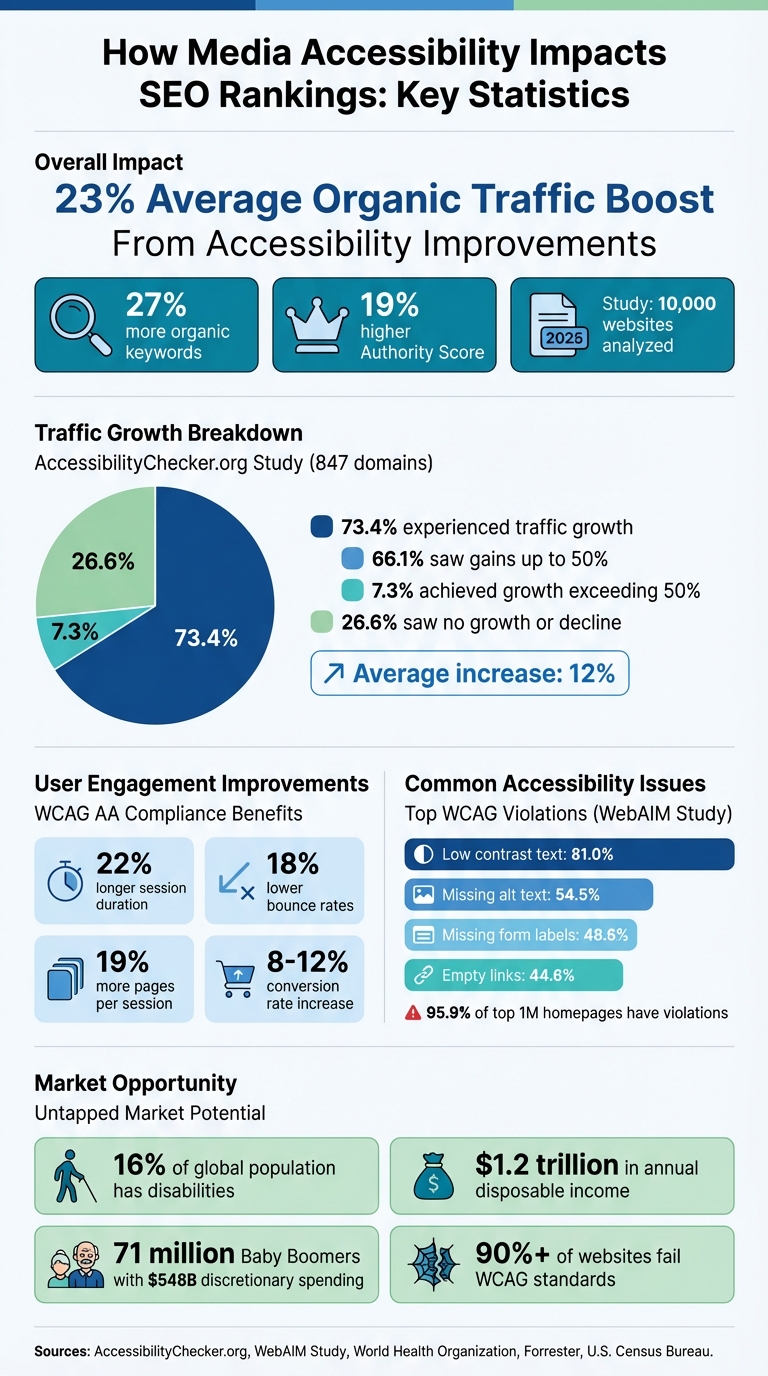
- 23% boost in organic traffic: A 2025 study of 10,000 websites showed that improving accessibility compliance led to a 23% increase in traffic and 27% more keyword rankings.
- Better user engagement: Accessible websites see longer session durations, lower bounce rates, and higher conversion rates.
- Core Web Vitals alignment: Accessibility improvements often enhance metrics like page load speed and interactivity, which are key ranking factors.
Media Accessibility Impact on SEO: Key Statistics and Performance Metrics
How Media Accessibility Affects Organic Traffic and Rankings
Semrush and AccessibilityChecker.org Study Results
A study conducted in 2025, analyzing 10,000 websites, found that improving accessibility compliance led to impressive results: 23% more organic traffic, 27% more organic keywords, and a 19% higher Semrush Authority Score, alongside other authority metrics. Marcus Tober, SVP Enterprise Solutions at Semrush, highlighted the importance of this:
"Our goal is to show that SEO is not just about search generative experience, and that reverse engineering what makes a good ranking is still a core part of SEO".
Interestingly, the study revealed that over 70% of the websites examined were not compliant with accessibility guidelines. Sectors such as business, technology, and entertainment were notably behind government and education websites in meeting these standards. Smaller websites also demonstrated notable traffic growth when accessibility improvements were made.
AccessibilityChecker.org Traffic Growth Data
An analysis of 847 domains that implemented accessibility fixes showed an average 12% increase in organic traffic. Among these, 73.4% of the domains experienced organic traffic growth. Breaking it down further, 66.1% saw gains of up to 50%, while 7.3% achieved growth exceeding 50%. Danny Trichter, Co-Founder of AccessibilityChecker.org, emphasized:
"Web accessibility benefits both users and SEO".
This aligns with findings from WebAIM and W3C, which demonstrate how accessibility improvements positively influence user engagement metrics that matter for search rankings.
WebAIM and W3C Research Results
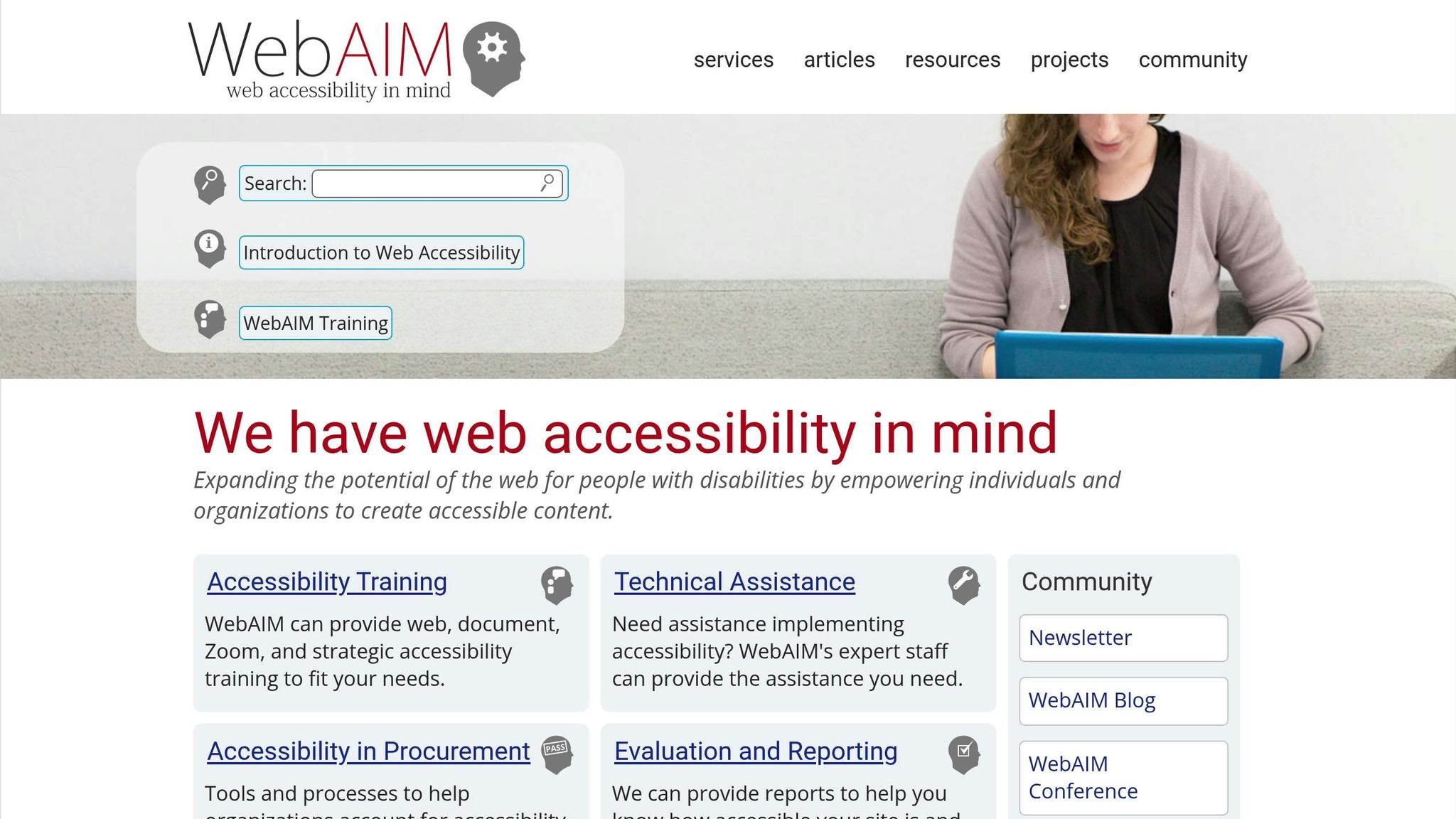
According to WebAIM, 95.9% of the top 1,000,000 home pages had detectable WCAG 2 violations. Among the most common issues were missing alternative text for images (54.5%), low contrast text (81.0%), missing form input labels (48.6%), and empty links (44.6%). These errors not only hinder accessibility but also impact SEO performance.
W3C data further highlights how accessible websites outperform others in user engagement metrics. Accessible sites enjoy a 22% longer average session duration and 18% lower bounce rates – both of which are key ranking factors for search engines. Websites that adhere to W3C’s POUR principles (Perceivable, Operable, Understandable, Robust) consistently achieve better engagement, which translates into stronger search performance.
How Accessibility Boosts SEO Rankings in Google’s Algorithm Updates for 2025
How Accessibility Standards Align with Core Web Vitals
Accessibility isn’t just about inclusivity; it also ties directly to technical performance, especially when considering Google’s Core Web Vitals. Let’s break down how WCAG standards work hand-in-hand with these metrics to improve both user experience and SEO.
WCAG Standards and Core Web Vitals Metrics
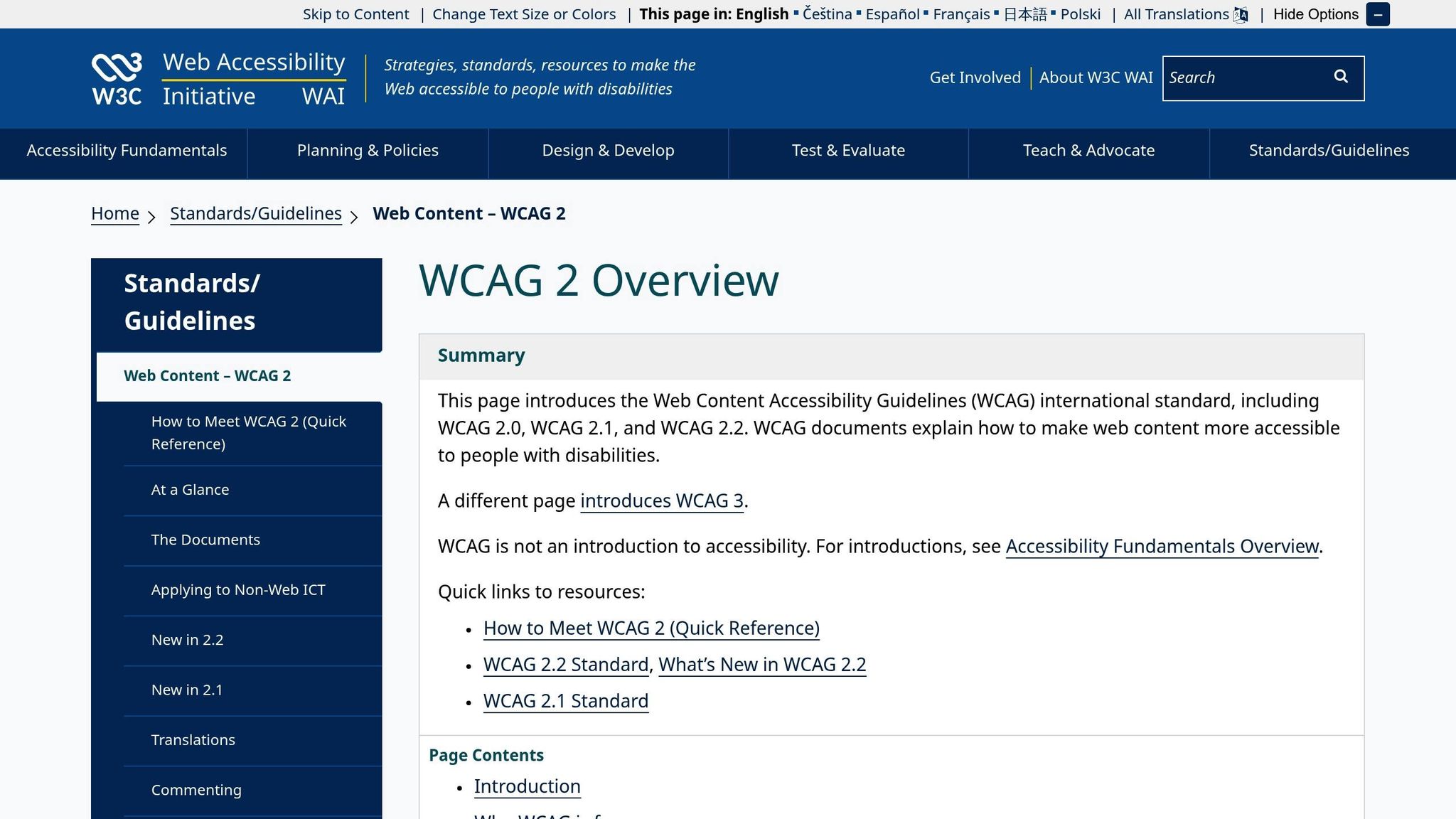
Google’s Core Web Vitals and WCAG standards complement each other in meaningful ways. Dennis Hammer, a Content Strategist at Siteimprove, describes it best:
"Core Web Vitals and Web Content Accessibility Guidelines (WCAG) are two halves of the same system. One measures how users experience your site’s performance. The other defines whether they can access it at all".
Take Semantic HTML as an example. Using semantic elements like <header>, <nav>, and <main> simplifies your site’s DOM structure. This not only makes your content more accessible but also improves Largest Contentful Paint (LCP) by speeding up page load times.
Similarly, keyboard navigation (WCAG 2.1.1) plays a crucial role in optimizing Interaction to Next Paint (INP). Properly managing keyboard events with ARIA roles reduces JavaScript overhead, ensuring interactions happen within 200 milliseconds – critical for Google’s new interactivity metric.
For Cumulative Layout Shift (CLS), WCAG guidelines like specifying image dimensions and stabilizing navigation elements (WCAG 2.4.3) help create a more stable visual experience. Touch target requirements (WCAG 2.2), which recommend a minimum size of 24×24 CSS pixels, further enhance mobile usability – another factor Google considers in rankings. These changes not only improve accessibility but also align with the traffic and engagement boosts discussed earlier.
WCAG Standards vs. SEO Performance
The overlap between WCAG standards and SEO benefits becomes even clearer when you examine the numbers. In March 2024, Google officially replaced First Input Delay (FID) with INP as the primary interactivity metric, making accessibility practices like focus management even more critical for rankings.
Here’s a breakdown of how specific WCAG standards translate into SEO and Core Web Vitals improvements:
| WCAG Standard | SEO Impact | Core Web Vitals Metric | Observable Ranking Impact |
|---|---|---|---|
| Semantic HTML | Better crawlability & indexing | LCP (Largest Contentful Paint) | Higher keyword rankings |
| Keyboard Navigation | Reduced bounce rates & higher dwell time | INP (Interaction to Next Paint) | Improved Navboost signals |
| Image Dimensions | Improved visual stability | CLS (Cumulative Layout Shift) | Enhanced Page Experience score |
| Alt Text | Image search indexing | LCP (via faster parsing) | 27% more organic keywords |
| Touch Targets | Better mobile engagement | INP / Mobile UX | 23% average traffic growth |
For instance, a mid-size e-commerce retailer revamped their site in 2025 by implementing semantic HTML and optimizing alt text for over 15,000 product images. Within six months, they saw a 34% increase in organic traffic, a 22% rise in session duration, and an 18% drop in bounce rate. These updates also ensured that all pages passed Core Web Vitals assessments. Such results are consistent with the broader 23% traffic boost seen across accessible websites.
Another success story comes from a B2B SaaS platform that focused on accessibility improvements for its resource center in 2025. By refining heading structures and adding descriptive link text, the company achieved a 156% increase in featured snippets (from 23 to 59) and a 47% rise in organic impressions within four months. This highlights how accessibility upgrades can drive keyword growth and authority gains, as seen in earlier studies.
How Accessible Media Improves User Engagement
Making your website easy to navigate keeps users engaged, which is great for both user experience and search engine performance. Accessible media reduces pogo-sticking (users quickly leaving and returning to search results), which sends positive interaction signals to systems like Google’s Navboost. These signals can lead to better rankings on search engines, directly impacting key performance metrics.
Better User Engagement Numbers
Websites that meet WCAG AA standards show impressive results: a 22% drop in bounce rates, a 19% rise in pages viewed per session, and a 27% increase in average session duration. These numbers translate into real gains, including conversion rate improvements of 8% to 12%. By reducing cognitive load and streamlining tasks, accessible design doesn’t just enhance usability – it also strengthens SEO signals by demonstrating quality and user satisfaction.
Brand Trust and Reputation
Engagement improvements go hand-in-hand with building trust. Research reveals that 42% of users with disabilities will abandon a brand due to an inaccessible website, and 51% will actively switch to competitors when faced with digital barriers. On the flip side, 64% of all consumers have a more favorable view of brands that prioritize accessibility.
The financial stakes are high: people with disabilities and their families represent a global market with $1.2 trillion in disposable income annually. Additionally, 71 million Baby Boomers, who control $548 billion in discretionary spending, increasingly depend on accessible features for online shopping. David Gibson from Accessibility.Works sums it up well:
"Web accessibility increases traffic, expands market reach, and drives revenue. It’s a growth strategy hiding in plain sight".
How to Optimize Media for Accessibility and SEO
Making media accessible not only improves user experience but also positively impacts SEO. Optimized media elements, like images with descriptive alt text, can help pages rank higher in search results. For instance, pages with optimized alt text rank an average of 1.4 positions higher, and websites focusing on detailed descriptions have seen a 35% boost in organic traffic from image searches.
Image Optimization and Alt Text
Alt text is a key player in SEO and accessibility. It helps search engines understand images and supports screen readers. Google’s John Mueller has confirmed that alt text is a ranking factor for Google Image Search. Despite this, 56% of images on enterprise websites lack alt text, which means many businesses are missing out on potential traffic.
Creating effective alt text is all about precision. Keep it under 125 characters and avoid unnecessary phrases like "image of." Instead, focus on describing the image’s purpose. For example, instead of writing "shoes", use something like "Nike Air Max 270 men’s running shoes in black and red" for a product page.
Real-world examples highlight the impact of optimized alt text. In 2023, an outdoor equipment retailer updated over 5,000 product images with detailed descriptions. This change led to a 21% increase in overall organic traffic and a 47% jump in traffic from image searches within six months. Similarly, the British Museum enhanced alt text for its collection of 4 million objects, resulting in a 32% increase in image discovery through search engines.
For decorative images, such as borders or patterns, use an empty alt attribute (alt="") so screen readers skip them. Functional images, like buttons, should have alt text describing their action (e.g., "Search" or "View shopping cart"). For complex visuals like charts, include a concise summary in the alt text and provide a detailed explanation in the surrounding content.
| Image Type | Ineffective Alt Text | Optimized Alt Text |
|---|---|---|
| Product | "Shoes" | "Nike Air Max 270 men’s running shoes in black and red" |
| Logo | "Logo" | "Tesla Motors logo – return to homepage" |
| Data Visualization | "Sales chart" | "Bar chart showing 30% increase in online sales from Q1 to Q2 2024" |
| Decorative | "Decorative border" | alt="" (Empty attribute) |
Video and Audio Accessibility
Search engines can’t "see" videos or "hear" audio, but they can index text transcripts. Including transcripts with your media not only boosts accessibility but also improves SEO. As web.dev explains:
"Search bots can’t access your captions but can crawl your text transcripts. When you include transcripts with your media files, your search engine optimization gets a boost".
Closed captions are essential for videos, covering dialogue, sound effects, and speaker identification. Use WebVTT (.vtt) files with the HTML5 <track> element to ensure captions are synchronized and accessible. For SEO, place a full transcript below the video in HTML format so search engines can index it.
To further enhance video content, include VideoObject structured data (JSON-LD) with fields like contentUrl, description, and transcript. This helps search engines better understand your video metadata. According to Cloudinary:
"To stand out, your videos need to be structured and accessible with captions, transcripts, metadata, and tags that machines can actually read".
Make sure your media player is keyboard-friendly, with clear labels for controls like play, pause, and volume. Avoid auto-play, as it can disrupt screen readers and frustrate users. For videos where visuals are critical, provide audio descriptions – a narrated track explaining key visuals for users with visual impairments.
Working with SearchX for Accessibility-Focused SEO
SearchX offers technical SEO audits that include accessibility checks, identifying issues like missing alt text or improper media formatting. Their on-page optimization services incorporate accessibility into broader SEO strategies, ensuring media elements are optimized for both users and search engines.
With their Growth and Enterprise plans, SearchX’s audits address around 60–70% of accessibility issues that automated tools often miss. This approach not only improves SEO but also expands your reach to the 16% of the global population living with disabilities.
Conclusion
Media accessibility goes beyond just meeting compliance standards – it’s a powerful SEO strategy with measurable benefits. Studies consistently show that accessibility improvements lead to better SEO performance. Why? Because accessible design enhances key metrics like Core Web Vitals, improves user engagement signals, and optimizes content structure – all crucial factors in how search engines rank your site.
These improvements do more than boost rankings – they expand your audience. Accessibility opens the door to the 16% of the global population living with disabilities. This is a considerable market, especially when you consider that 83% of users with access needs prefer websites without barriers. Simple steps like adding descriptive alt text, video transcripts, and semantic HTML not only support screen readers but also enhance your site’s visibility to search engines.
The competitive edge here is undeniable. With over 90% of websites failing to meet minimum WCAG standards, businesses that prioritize accessibility can tap into a largely underserved audience. As Arman Advani, Director of SEO Strategist at Search Atlas, explains:
"The question is no longer whether accessibility impacts SEO rankings, but how much and how directly".
Incorporating accessibility into your SEO strategy isn’t just a nice-to-have – it’s critical for staying ahead. Ignoring accessibility could mean losing traffic, engagement, and revenue to competitors who understand that inclusive design benefits everyone – users and search engines alike.
For expert insights on how to harness accessible design to elevate your SEO, consider exploring customized strategies with SearchX.
FAQs
Which accessibility fixes improve SEO the most?
Improving accessibility can significantly boost SEO performance. Key fixes include:
- Using semantic HTML: This helps search engines and assistive technologies better understand your content.
- Adding descriptive alt text to images: Alt text ensures images are accessible to visually impaired users while also giving search engines more context.
- Ensuring intuitive navigation: A user-friendly site structure makes it easier for both visitors and search engines to explore your content.
- Maintaining a clear heading structure: Properly organized headings improve readability and help search engines grasp the hierarchy of your content.
These adjustments not only improve user experience but can also lead to better search rankings.
How do alt text and transcripts improve rankings?
Alt text plays a key role in boosting rankings by making your images more visible in search results and ensuring your content is accessible to everyone, including those using screen readers. It’s a simple addition that can significantly enhance how search engines interpret your visuals.
Transcripts, on the other hand, are a game-changer for multimedia content like videos and podcasts. By turning audio or video into keyword-rich, searchable text, transcripts help search engines understand and index your content more effectively. This not only improves your SEO but also makes your site more inclusive.
When combined, alt text and transcripts create a more user-friendly experience while optimizing your site for search engines. It’s a win-win for accessibility and visibility.
What’s the fastest way to audit accessibility for SEO?
The fastest way to assess your site’s accessibility for SEO is by leveraging automated tools designed to evaluate it against WCAG standards. Tools like WAVE, Lighthouse, and Screaming Frog’s SEO Spider (with accessibility plugins) can pinpoint problems related to contrast, navigation, and semantic structure. These tools simplify the process by flagging major issues and organizing them by priority, making your audit much more manageable.