
Most SEO audit tools promise automation and deep integrations. Research across 28 tools shows only 54% offer any automation at all, and just 43% connect to other platforms natively. That gap costs agencies hours every week. Here are the seven best SEO audit tools for agencies right now, and who each one actually fits.
1. SearchX (Our Top Pick) — Full-Service Agency Audit Solution
SearchX is a performance-driven SEO agency built specifically for service businesses, e-commerce brands, healthcare companies, legal firms, and multi-location operators. We don’t just hand you a crawl report and walk away. We run the audit, interpret the findings, and build a clear action plan tied to your revenue goals.
Where most tools give you a list of errors, we give you prioritized fixes mapped to real business outcomes. Our technical SEO audits cover crawlability, site architecture, Core Web Vitals, and AI search visibility. We pair that with content gap analysis and backlink profiling so you see the full picture in one place, not scattered across three platforms.
For agencies managing multiple client sites, our real-time dashboards mean you always know where each campaign stands. No fluff, no manual data wrangling. We tailor each audit approach to the client’s industry and competitive landscape, which matters a lot when you’re comparing a healthcare provider against a multi-location home services brand.
The honest caveat: SearchX is a managed service, not a self-serve SaaS tool. If your agency wants to run audits in-house with a junior analyst clicking buttons, this isn’t that. It’s for teams that want a partner who moves the needle, not just a dashboard to log into. If you’re evaluating options for service-based clients, the best SEO agency for service businesses guide walks through what to look for in that decision.
SearchX is the right call when your clients need predictable growth and you want a team laser-focused on results, not just reporting.
2. Moz Pro — Complete Site Health Analysis
Moz Pro is one of the most recognized names in SEO, and its site audit functionality gives agencies a solid foundation for technical health checks. The platform’s crawler flags issues across on-page elements, site structure, and metadata, then surfaces them in a prioritized format that’s easy to share with clients.
What makes Moz Pro useful for agencies is its Domain Authority metric, which has become a near-universal benchmark for comparing site strength. Clients understand it. That makes reporting conversations easier. Moz also offers a free tier with tools for keyword research, backlink checking, and a browser extension for quick on-page checks, which helps smaller agency teams get started without a big upfront commitment.
The platform connects keyword data, link metrics, and crawl findings in one interface. That’s genuinely useful when you’re building a client deliverable and don’t want to export from four different tools. Moz’s official SEO learning center also gives newer team members a solid reference point for understanding the fundamentals behind what the tool flags.
The limitation worth knowing: Moz Pro’s backlink index is smaller than Ahrefs or Semrush. For link-heavy campaigns or competitive niches, you may find gaps. It’s a strong all-rounder for agencies doing regular site health work, but it’s not the deepest tool for backlink prospecting or JavaScript-heavy site audits.
3. Semrush Site Audit — Scalable Cloud Crawling
Semrush Site Audit runs entirely in the cloud, which means no local machine limits and no waiting for a desktop app to finish crawling a 50,000-page site. For agencies managing enterprise clients or high-volume e-commerce stores, that matters. The tool checks 140+ technical and on-page issues, assigns a site Health Score, and lets you schedule audits to run automatically on a daily or weekly basis.
The scheduling feature is one of the few that actually delivers on the automation promise. You set it up once, and the audit runs in the background. New issues get flagged in the next report without anyone having to remember to push a button. That’s a real time-saver when you’re managing a dozen client projects simultaneously.
Semrush also integrates its keyword and backlink databases directly into the audit workflow. So when a crawl flags a thin page, you can immediately pull keyword data to decide whether to expand or consolidate it. That cross-tool context speeds up the decision-making process significantly.
One thing to note: the free plan audits up to 100 pages, which is fine for a quick check but won’t cover most real client sites. Paid plans are available at higher price tiers; pricing details are provided by Semrush. For agencies that need AI search health checks alongside standard technical audits, Semrush is one of the few tools that bundles both in a single workflow. The main trade‑off is cost at scale: if you’re running audits across 30+ client sites, the per‑project pricing can add up quickly.
4. Ahrefs — Powerful Backlink-Centric Audits
Ahrefs built its reputation on backlink data, and that strength carries directly into its audit tool. When you run a site audit in Ahrefs, every flagged issue comes with link context: how many backlinks point to the affected URL, what the Domain Rating is, and how the page stacks up against competitors in terms of link equity. That combination makes it easier to prioritize fixes by actual SEO impact rather than just error severity.
The tool checks 170+ common SEO issues and doesn’t require installation. Visual crawl maps show how pages connect internally, which is useful for spotting orphaned content or broken redirect chains. Issue grouping keeps the audit report readable rather than overwhelming, and the Health Score gives clients a quick top-line metric to track over time.
Ahrefs also supports scheduled audits with email alerts, so your team gets notified when a new crawl completes rather than having to log in and check manually. Ahrefs offers a free tier that provides basic audit functionality, which can be a reasonable starting point for smaller agency clients.
The known limitation: JavaScript rendering is throttled. Sites that rely heavily on client-side rendering may return incomplete crawl data. If your client runs a React or Vue-based site, Ahrefs will miss some content and links that a headless Chrome crawler would catch. For those projects, pair it with Screaming Frog for the technical crawl and use Ahrefs for the link analysis layer.
5. Screaming Frog SEO Spider — Granular Crawl Control
Screaming Frog is the tool technical SEOs reach for when they need precise, configurable crawl data. It runs locally on your machine, uses headless Chrome for JavaScript rendering, and lets you extract almost anything via XPath, CSS selectors, or regex. That level of control is hard to find in cloud-based tools.
For agencies doing site migrations, Screaming Frog is close to essential. You can crawl the staging site, export a full URL map, then re-crawl post-launch to verify redirects, canonical tags, and hreflang attributes all landed correctly. The tool connects to Google Search Console and Google Analytics, so you can overlay crawl data with real traffic and coverage data in the same export.
The free version crawls up to 500 URLs, which is enough to audit small sites or run quick spot-checks. The paid license is available for a fee, with pricing details on the vendor’s site. Screaming Frog also integrates with OpenAI, Gemini, and Ollama APIs for AI‑assisted tasks like bulk alt‑text generation, which saves time on large image‑heavy sites.
The trade‑off is setup time. Screaming Frog rewards practitioners who understand crawl configuration. A junior analyst without technical SEO background will spend more time figuring out the settings than actually auditing. It’s not a tool you hand to a client or a sales rep. It’s a tool for the person who knows what an XPath expression does and why it matters.
6. Sitebulb — Visual Task Prioritization
Sitebulb sits between Screaming Frog’s raw power and a cloud platform’s ease of use. It offers both a desktop crawler and a cloud-based version, so agencies can choose based on site size and team setup. The standout feature is its Hints system: every issue the tool flags comes with a plain-language explanation, a severity rating, and copy-pasteable recommendations that work directly in client presentations or developer tickets.
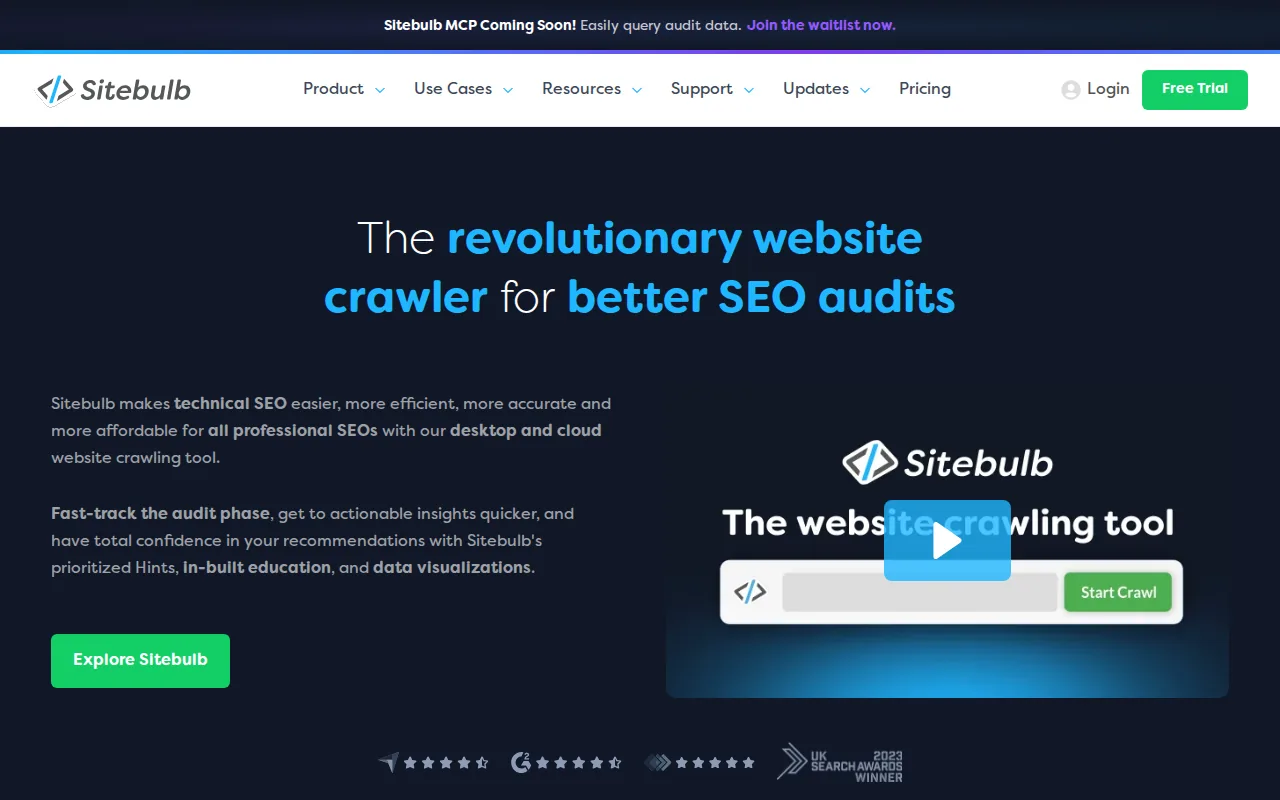
Sitebulb checks 300+ SEO issues and presents them with visual diagrams that make internal linking structure and crawl depth immediately obvious. Those visuals are genuinely useful in client meetings. You can screenshot a crawl depth chart and drop it straight into a slide deck without reformatting anything.
For agencies managing multiple clients, Sitebulb Cloud lets every team member work from the same crawl data in real time. There are no crawl credit limits or project caps, which removes a friction point that shows up with some enterprise tools. Scheduled crawls run automatically so the data is ready when you need it, not when someone remembered to kick off a new audit.
The gap is keyword and backlink data. Sitebulb is a technical crawler, not an all-in-one SEO platform. You’ll still need a separate tool for keyword research and link analysis. Agencies that already use Ahrefs or Semrush for those tasks often add Sitebulb specifically for the technical audit layer, treating it as a specialist rather than a replacement. That pairing works well in practice.
7. Ranklytics — AI-Driven Continuous Monitoring
Ranklytics takes a different angle than the other tools on this list. Rather than delivering a one-time crawl report, it runs continuous monitoring that overlays crawl findings with Search Console data and keyword intent signals. When it spots an issue, it can map that issue directly to a content brief and generate an AI-drafted fix, which compresses the gap between finding a problem and acting on it.
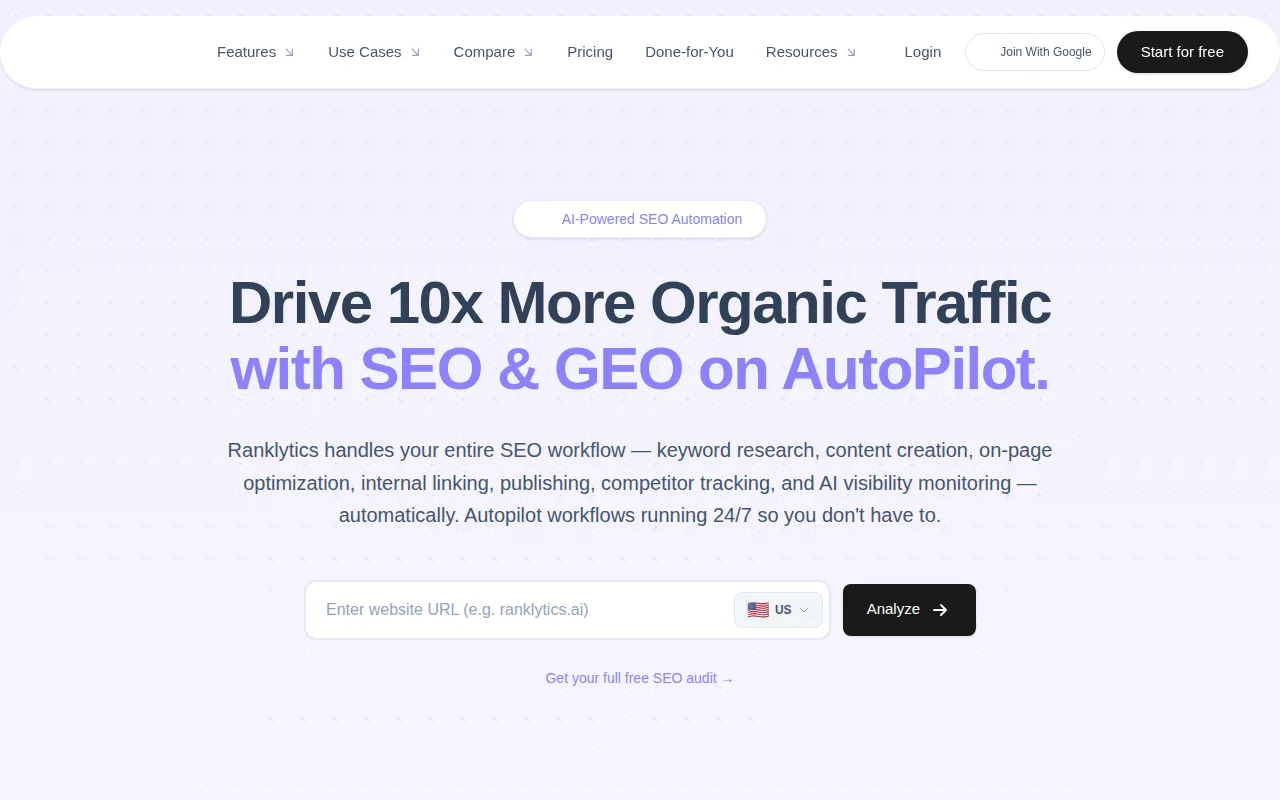
For agencies managing many client sites simultaneously, the multi-client dashboard is a real operational advantage. Keyword tracking, rank monitoring, and content performance reports all update automatically. Ranklytics also offers a white-label option, so agencies can present the platform under their own brand with client-facing dashboards that look like a proprietary tool.
The AI content generation piece connects to broader trends in the space. If you’re already exploring AI SEO tools to scale content production across client accounts, Ranklytics fits into that workflow naturally because it moves from audit finding to content draft without requiring a manual handoff between platforms.
The honest limitation from the research: Ranklytics’ free tier doesn’t replace deep technical crawling. It’s strong on monitoring and content automation, but it won’t give you the granular crawl depth that Screaming Frog or Sitebulb provides. Agencies doing heavy technical work on complex sites should treat Ranklytics as a monitoring and content layer, not a standalone technical audit tool.
Comparison of Top SEO Audit Tools
Choosing the right tool depends on what type of audit work your agency does most. Here’s how the seven options stack up across the dimensions that matter most in an agency workflow:
A few patterns stand out. Only a handful of these tools deliver true end-to-end automation. Most require at least some manual setup per client, which is a hidden time cost that doesn’t show up in feature lists. Integration depth also varies: tools like Semrush and Screaming Frog connect to Google Search Console and Analytics natively, while others require manual exports or custom pipelines.
The feature count illusion is worth flagging too. Research across the broader tool landscape shows an average of around 110 audit checks per platform, but a high number doesn’t guarantee the right coverage. Ahrefs lists 170+ checks yet still throttles JavaScript rendering. Screaming Frog has fewer headline features but handles JS-heavy sites more reliably. Match the tool to the audit problem, not the feature count.
How to Choose the Right Tool for Your Agency
Start with the type of audit work you do most. Technical crawls for complex or JS-heavy sites point toward Screaming Frog or Sitebulb. Ongoing monitoring across many client accounts points toward Ranklytics or Semrush. Link-heavy campaigns where backlink context shapes every decision point toward Ahrefs. And if you want a partner who handles the entire audit-to-action cycle, SearchX is built for exactly that.
Then filter by team setup. A solo technical SEO can get deep value from Screaming Frog’s configurability. A growing agency with junior staff benefits from Sitebulb’s built-in explanations. A team selling SEO services at scale to local businesses may find that the white-label reporting in Ranklytics or the client-ready outputs from Semrush reduce delivery time more than any other factor.
Budget matters too, but not in the way most comparisons frame it. The real cost isn’t the monthly subscription. It’s the hours spent stitching data from multiple tools into a coherent client report. Tools that integrate well save more money in analyst time than they cost in license fees. That’s the calculation worth doing before you commit.
FAQ
What is the best SEO audit tool for agencies managing multiple clients?
For agencies running audits across many client sites, Semrush Site Audit and Ranklytics both support multi-client dashboards with scheduled, automated crawls. Sitebulb Cloud is also strong for team-based workflows with no project or crawl credit limits. If you want a fully managed approach where a team handles audits and action plans for you, SearchX is built specifically for that model.
Do I need a paid tool or will free SEO audit tools work?
Free tiers exist but come with real limits. Screaming Frog’s free version caps at 500 URLs. Semrush audits 100 pages on a free account. Ahrefs offers a limited free tier. For a real client site with thousands of pages, you’ll hit those limits fast. Free tools work for quick spot-checks or small sites. Ongoing agency work almost always needs a paid plan.
How often should an agency run SEO audits for clients?
Monthly audits are a reasonable baseline for most clients. Sites that publish content frequently or run active development sprints benefit from weekly scheduled crawls to catch new issues before they compound. Post-migration audits should run immediately after launch, then again 30 days later to confirm redirects and indexing are behaving correctly.
Can SEO audit tools check for AI search visibility issues?
A few tools now include AI search health checks. Semrush Site Audit is one of the clearest examples, flagging issues that can make pages harder for AI platforms to access or interpret. This is still a newer audit category, and most traditional crawlers don’t cover it yet. If your clients care about visibility in AI-generated answers, prioritize tools that include dedicated AI visibility checks.
What’s the difference between a crawl tool and an all-in-one SEO platform?
A crawl tool like Screaming Frog or Sitebulb focuses on technical site analysis: URL structure, redirects, metadata, page speed signals. An all-in-one platform like Semrush or Ahrefs adds keyword data, backlink analysis, and competitor research on top of crawling. Agencies often use both: a dedicated crawler for deep technical work and an all-in-one platform for strategy and reporting.
Is SearchX a tool or an agency service?
SearchX is a managed SEO agency, not a self-serve software tool. We run technical audits, build content strategies, and handle implementation for service businesses, e-commerce brands, healthcare companies, and multi-location operators. If your team needs a partner to own the SEO work end-to-end rather than just a platform to log into, SearchX is the right fit.
Conclusion
The right audit tool depends on what your agency actually does day-to-day. For deep technical crawls, Screaming Frog and Sitebulb are hard to beat. For scalable cloud audits with built-in scheduling, Semrush is the strongest option. For continuous AI-driven monitoring, Ranklytics fills a gap most traditional tools leave open. And if you want a team that runs the whole process for you, SearchX is the pick. Start by mapping your most common audit type to the tool built for it, then run a trial on your next real client project to see where the gaps are.