
Core Web Vitals are critical metrics Google uses to measure how users experience your website. These include Largest Contentful Paint (LCP), Interaction to Next Paint (INP), and Cumulative Layout Shift (CLS). Meeting their benchmarks helps improve your site’s rankings, engagement, and user satisfaction. Here’s a quick breakdown:
- LCP: Measures loading speed (ideal: ≤ 2.5 seconds).
- INP: Tracks responsiveness (ideal: < 200 milliseconds).
- CLS: Evaluates layout stability (ideal: < 0.1).
Improving these metrics involves optimizing images, reducing JavaScript execution, and stabilizing layouts. Tools like Google Search Console and PageSpeed Insights can help monitor and refine performance. While Core Web Vitals are important, they work best when paired with quality content, targeted keywords, and strong backlinks.
Focus on meeting these thresholds to enhance your site’s usability and search visibility. But remember, once your scores are "good", further optimization won’t necessarily boost rankings.
Google Core Web Vitals: A Complete Guide For Beginners
How to Measure Core Web Vitals Performance
Getting an accurate read on your Core Web Vitals requires the right tools and a solid understanding of what the data tells you. Thankfully, Google provides several free tools that give insights from both real-world user data and controlled lab testing.
Using Google Search Console for Core Web Vitals Data
Google Search Console is a go-to resource for analyzing how actual users experience your site. It pulls data from Chrome users, offering a reliable view of your Core Web Vitals. To access this data, log into Google Search Console, head to the Experience section on the left-hand menu, and select Core Web Vitals.
The report organizes your pages into three groups: Good, Needs Improvement, and Poor, with separate data for mobile and desktop performance. Since mobile-first indexing is now the norm, focusing on mobile performance is especially important. This report also highlights which pages need attention, helping you prioritize fixes. Keep in mind, a page only "passes" Core Web Vitals if it meets the recommended benchmarks for all three metrics – Largest Contentful Paint (LCP), Interaction to Next Paint (INP), and Cumulative Layout Shift (CLS).
Using PageSpeed Insights and Lighthouse
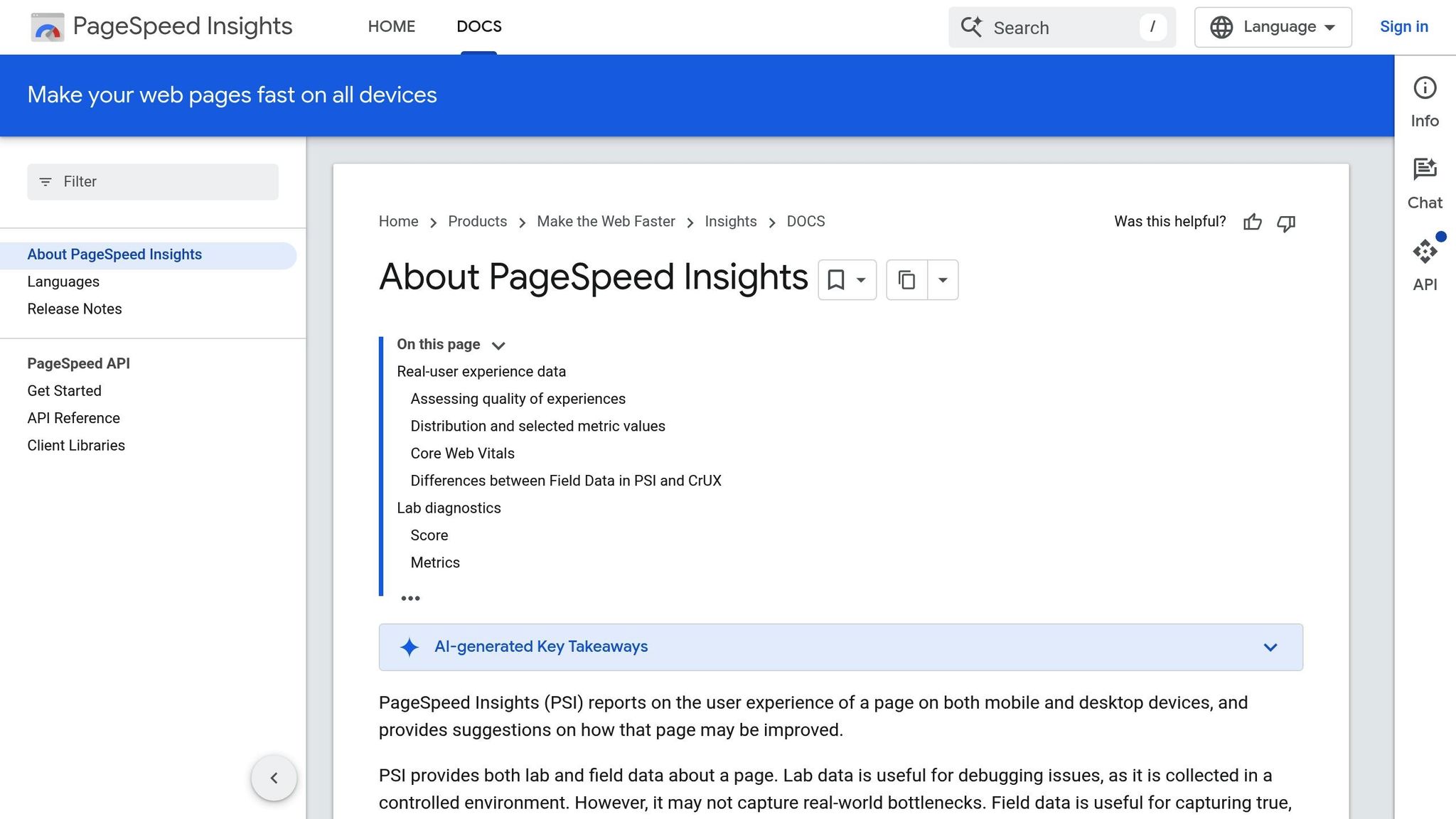
While Google Search Console provides real-world (field) data, tools like PageSpeed Insights and Lighthouse offer a mix of lab and field data. To use PageSpeed Insights, go to pagespeed.web.dev and enter your URL. This tool gives you a detailed breakdown of your Core Web Vitals scores along with tailored recommendations for improvements. It’s a quick way to see how your site is performing and identify problem areas.
Lighthouse, available through Chrome DevTools (right-click on a page, pick "Inspect", and go to the Lighthouse tab), dives even deeper. It highlights slow-loading elements, render-blocking scripts, and other technical issues while offering actionable fixes. While lab data is great for diagnosing specific problems, field data should remain your priority when assessing the actual user experience.
Using these tools together creates a more complete picture of your site’s performance and helps you zero in on areas that need work.
Understanding Performance Ratings
Google uses specific thresholds to evaluate Core Web Vitals, and knowing these benchmarks is essential for setting goals and tracking progress.
| Metric | Good | Needs Improvement | Poor |
|---|---|---|---|
| LCP (Largest Contentful Paint) | ≤ 2.5 seconds | 2.5 – 4 seconds | > 4 seconds |
| INP (Interaction to Next Paint) | < 200 milliseconds | 200 – 500 milliseconds | > 500 milliseconds |
| CLS (Cumulative Layout Shift) | < 0.1 | 0.1 – 0.25 | > 0.25 |
These ratings reflect the 75th percentile of user experiences. For example, if your LCP is 2.4 seconds for 74% of users but 5 seconds for the other 26%, your page fails the LCP assessment. To pass the Core Web Vitals evaluation, all three metrics need to score in the "Good" range. Once your site achieves this, further improvements won’t necessarily boost your SEO any further.
With a clear understanding of these metrics and tools, you’re equipped to start improving your Core Web Vitals and enhancing your site’s performance.
How to Improve Core Web Vitals for SEO
Now that you know how to measure Core Web Vitals, let’s dive into ways to improve them. Each metric requires specific tweaks, and addressing them can enhance both user experience and search performance.
How to Improve Largest Contentful Paint (LCP)
LCP gauges how quickly the largest visible content on your page loads, and keeping it under 2.5 seconds is key for a smooth user experience. A great starting point is image optimization. Compress images to shrink file sizes without sacrificing quality. Switching to modern formats like WebP can significantly reduce load times compared to older formats like JPEG or PNG.
Another effective technique is lazy loading, which ensures that only the images visible on a user’s screen load initially. Images further down the page load later, as users scroll. This prioritizes critical content, speeding up the initial load.
To further improve LCP, eliminate render-blocking resources. Optimize essential CSS and defer non-critical JavaScript. If you’re using frameworks like React, consider server-side rendering (SSR). With SSR, HTML is pre-generated on the server and sent to the browser, giving users faster access to content.
Your server’s response time also matters. Upgrade your hosting setup and streamline database queries to make sure the server responds quickly. Load the most important content first, even if other elements are still coming in. This progressive loading approach creates a perception of speed, keeping users engaged.
Finally, focus on responsiveness to improve user interactions.
How to Reduce First Input Delay (FID) and Improve Interaction to Next Paint (INP)
FID measures the delay between a user’s first interaction and the browser’s response, with a target of under 100 milliseconds. However, INP has taken over as the main responsiveness metric, aiming for less than 200 milliseconds. Unlike FID, INP evaluates responsiveness during the entire session, so maintaining consistent performance is critical.
The primary cause of poor INP scores is long JavaScript execution times. Break up large JavaScript tasks into smaller chunks to avoid blocking the main thread. When JavaScript runs uninterrupted for too long, it delays responses to user actions like clicks or taps.
Defer non-essential JavaScript so it only loads after the core content is interactive. Remove unused JavaScript to cut down on processing time, which not only improves INP but also reduces overall page weight.
Optimize CSS and use web workers to handle complex tasks in the background, freeing up the main thread for user interactions. If you use animations, avoid heavy ones that consume too many resources. Instead, rely on CSS animations, which browsers handle more efficiently. Faster responses to user actions not only boost satisfaction but also help your rankings.
Next, focus on stabilizing your page layout to avoid visual disruptions.
How to Fix Cumulative Layout Shift (CLS)
CLS measures how stable your page layout is during load, with a score below 0.1 being ideal for maintaining user trust. Unexpected layout shifts can frustrate users, especially if they’re trying to interact with your page.
A simple way to prevent shifts is to define width and height attributes for all images and videos in your HTML or CSS. This reserves the necessary space before the media loads, avoiding sudden content movement. For ads or embedded elements like YouTube iFrames, use aspect ratio boxes or placeholders to ensure stability.
Avoid adding new content above existing elements unless it’s triggered by user interaction. Dynamic content that pushes elements down the page is a common cause of CLS issues. If you must add content dynamically, place it at the bottom of the page or in a designated area that doesn’t disrupt the layout.
Web fonts can also contribute to layout shifts. To address this, use the CSS property font-display: swap, which displays fallback fonts immediately while the custom font loads in the background. This prevents invisible text and minimizes the visual impact when the custom font appears.
Developer tools can help you pinpoint the exact elements causing layout shifts. These tools highlight problem areas, making it easier to focus your efforts where they’ll make the most difference. Reducing layout shifts not only improves trust but also supports better SEO outcomes.
Lastly, ensure your site performs well on mobile devices. Test your changes on real mobile devices, not just desktop browsers with responsive design tools. Real-world mobile testing often uncovers performance issues that simulations might miss.
Monitoring and Maintaining Core Web Vitals Over Time
Improving Core Web Vitals is just the beginning. As your website grows and evolves, performance can slip, which makes ongoing monitoring critical to maintaining rankings and a smooth user experience.
Setting Benchmarks and Tracking Progress
Start by setting clear performance goals based on Google’s recommended thresholds: LCP under 2.5 seconds, INP under 200 milliseconds, and CLS below 0.1. While these benchmarks are universal, the focus areas may differ depending on your site type. For instance, e-commerce sites should prioritize faster LCP because product images directly influence conversions. On the other hand, blogs or content-heavy platforms should pay close attention to CLS to ensure layout stability for readers.
It’s worth noting that performance is measured at the 75th percentile experience. To fine-tune your efforts, break down data by device type, location, and browser. This segmentation helps pinpoint specific areas for improvement.
To monitor performance, use Real User Monitoring (RUM) tools like Google Analytics and CrUX, which provide insights from actual users. Pair these with synthetic testing tools like Lighthouse and PageSpeed Insights to evaluate changes during development. Reviewing RUM data weekly or bi-weekly can help you catch performance dips early, before they affect your rankings.
Track other metrics alongside Core Web Vitals to get a well-rounded view of your site’s performance. For example, monitor bounce rates and time on page to see if better performance leads to higher engagement. For e-commerce, keep an eye on conversion rates to determine if improvements in Core Web Vitals translate to better sales. A centralized dashboard displaying these metrics together can make it easier to spot patterns and measure results.
Keep in mind, Core Web Vitals aren’t an all-or-nothing ranking factor. As your metrics improve and approach the "Good" range, you’ll notice gradual ranking boosts. For example, moving from "Poor" to "Needs Improvement" might show results within 2-4 weeks, while progressing to "Good" often takes 4-8 weeks or more. Once all metrics hit the "Good" range, further refinements won’t necessarily provide extra SEO benefits.
To maintain these benchmarks, ensure your updates and changes are carefully managed and tested.
Maintaining Performance After Website Changes
Website updates, redesigns, and added features often risk undoing hard-earned performance gains. Things like larger images, unoptimized JavaScript, or render-blocking resources can degrade your metrics. Similarly, layout shifts can increase when dynamic elements like ads or embedded content are added without reserving proper space.
Before rolling out updates, conduct pre-deployment Lighthouse audits on a staging environment. Compare the new version of your site against the old to catch potential regressions. Setting performance budgets can also help prevent new code from exceeding acceptable thresholds.
Regular audits are key. For most websites, monthly Core Web Vitals audits are sufficient. However, high-traffic sites or those with frequent updates should audit bi-weekly or even weekly. Major updates, like redesigns or migrations, demand immediate testing to ensure no metrics are negatively impacted.
Post-deployment, monitor real user data closely during the first 24-48 hours to catch unexpected issues. Automated alerts can notify your team if metrics fall below acceptable levels or show significant drops. This allows you to act quickly before rankings or user experience suffer. In severe cases, having a rollback plan in place can save the day.
Don’t rely solely on simulations – test on real devices and network conditions to uncover performance issues that might be missed in controlled environments. Mobile testing, in particular, often reveals challenges that desktop tests can’t replicate.
Lastly, document all optimization efforts and their outcomes. This creates a valuable reference for future updates and ensures continuity even if team members change.
When internal resources are stretched thin, working with professionals can make a big difference.
Working with Professional SEO Services
For maintaining and improving Core Web Vitals over time, professional SEO services can provide the expertise and tools your team might lack. Services like SearchX specialize in tackling technical bottlenecks, such as optimizing render-blocking resources, fine-tuning JavaScript, and compressing images. Their use of real-time dashboards and post-deployment testing ensures your site stays on track.
"Lorenz & team take a measurement-forward approach to SEO and optimizing for both search engines and gen AI platforms. Important as a business owner since you can see not only why something worked or didn’t, but how to address it moving forward." – Aayaam Verma, Client
SearchX offers transparency through real-time dashboards and regular updates, so you can monitor your site’s progress and ensure it aligns with your goals. Their approach includes regular performance reviews and alerts for regressions, helping you maintain stability after site updates.
When choosing an SEO agency, look for those that provide comprehensive services. This should include code optimizations to reduce render-blocking scripts, caching strategies, and post-deployment audits. Agencies that understand your industry can benchmark your site against competitors and deliver clear, actionable recommendations.
"SearchX not only permeates confidence from the moment you meet them on the first call, but their competence through the process speaks for itself in results. They drive #’s while sharing your brand’s story in a clear, direct and authentic fashion." – Kamal Logue, Client
For complex technical challenges, professional services can be invaluable. They can create detailed documentation of your Core Web Vitals benchmarks, performance targets, and the reasoning behind them. This ensures consistency, even during team transitions or organizational changes.
Conclusion
Core Web Vitals are a cornerstone of modern SEO. These metrics – LCP (Largest Contentful Paint), INP (Interaction to Next Paint), and CLS (Cumulative Layout Shift) – capture the essentials of user experience: how quickly a page loads, how responsive it feels, and how stable its layout remains. Meeting the recommended thresholds (LCP under 2.5 seconds, INP under 200 milliseconds, and CLS below 0.1) not only aligns with Google’s standards but also creates a smoother, more enjoyable experience for visitors. This often translates to lower bounce rates and higher conversions.
Start by measuring your site’s performance. Tools like Google PageSpeed Insights or Lighthouse can pinpoint areas that need attention. Use these insights to guide improvements such as compressing and optimizing images, removing render-blocking resources, reducing JavaScript execution times, and reserving space for dynamic elements to avoid unexpected layout shifts. These adjustments not only enhance your Core Web Vitals but also improve your site’s overall usability and search rankings over time.
Keep in mind that optimization is an ongoing process. As your site grows and evolves with new content and features, performance can degrade. For sites with frequent updates or more complex needs, partnering with professional SEO services can provide the expertise necessary to maintain a competitive edge.
The benefits of improving Core Web Vitals extend far beyond technical SEO. Faster, more responsive websites often see increased engagement, longer session durations, and higher conversion rates – particularly on mobile devices, which now account for over 60% of web traffic. In competitive markets, strong Core Web Vitals can be the deciding factor when content quality is otherwise similar.
To stay ahead, regularly audit your site’s performance, focus on the metrics that matter most, and implement changes systematically. Track your progress at the 75th percentile to ensure you’re meeting Google’s expectations for the majority of your audience. Whether you handle optimization in-house or work with experts like SearchX, investing in Core Web Vitals enhances both your search visibility and user experience, making it a key part of any effective SEO strategy.
FAQs
What are Core Web Vitals, and how do they affect my website’s SEO and user experience?
Core Web Vitals focus on three key metrics: Largest Contentful Paint (LCP), First Input Delay (FID), and Cumulative Layout Shift (CLS). These metrics evaluate your website’s loading speed, interactivity, and visual stability – essential elements for creating a smooth and enjoyable user experience.
Google considers Core Web Vitals as part of its ranking criteria. So, improving these metrics can enhance your site’s position in search results. Beyond SEO benefits, better Core Web Vitals mean happier visitors, fewer bounce-offs, and more conversions.
How can I improve my website’s Core Web Vitals metrics for better SEO performance?
Improving your Core Web Vitals – Largest Contentful Paint (LCP), First Input Delay (FID), and Cumulative Layout Shift (CLS) – can make a big difference in how your website performs and where it ranks on search engines.
To enhance LCP, focus on reducing load times. This can be done by using faster hosting services, compressing images to reduce file sizes, and cutting down on render-blocking resources like bulky JavaScript files. For FID, aim to make your site more responsive to user interactions. You can achieve this by minimizing JavaScript execution and breaking up long-running tasks into smaller, manageable chunks. To tackle CLS, work on improving visual stability. This includes setting size attributes for images and videos in your HTML and avoiding unexpected layout shifts caused by elements like ads that load late.
By fine-tuning these metrics, you’ll not only create a smoother experience for your visitors but also boost your site’s visibility in search results.
How can I keep my website’s Core Web Vitals scores optimized after making updates or changes?
To keep your Core Web Vitals scores in good shape, regular monitoring and quick action on performance issues are crucial. Tools like Google Search Console and PageSpeed Insights are your go-to resources for tracking metrics such as Largest Contentful Paint (LCP), First Input Delay (FID), and Cumulative Layout Shift (CLS). These tools pinpoint areas where your site might need a little extra care.
Before rolling out updates or changes, always test them in a staging environment to avoid unexpected performance dips. Focus on optimizing images, trimming down unnecessary scripts, and using a solid caching strategy to ensure your site stays fast and reliable. Regularly auditing and tweaking your website helps maintain its speed, responsiveness, and overall usability – factors that can boost both your search rankings and user satisfaction.