
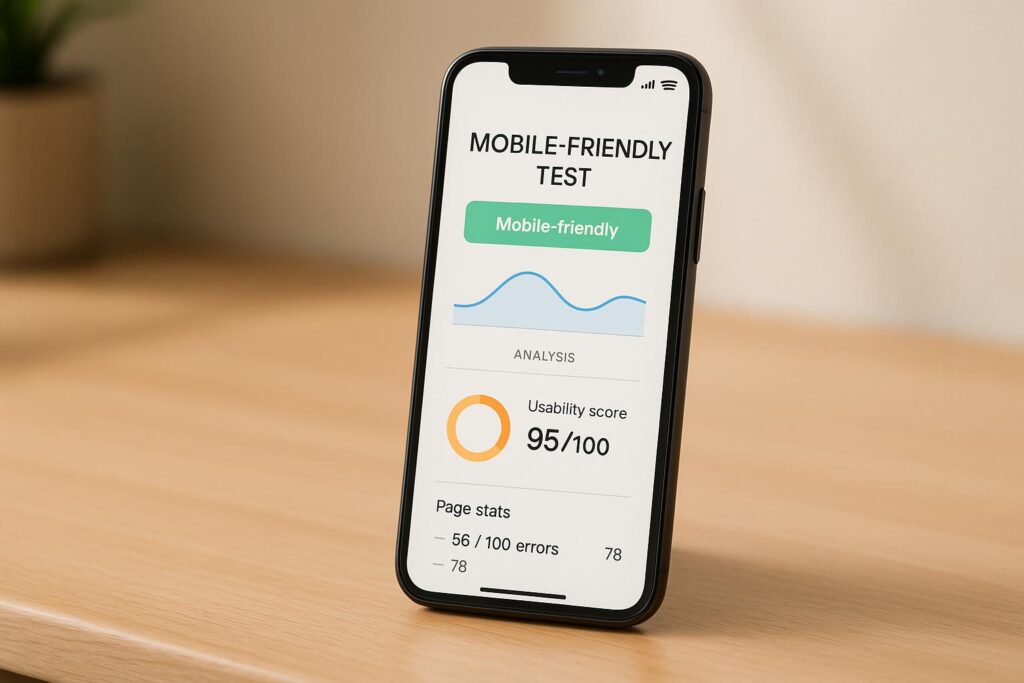
Optimize Your Website with a Mobile-Friendly Test
In today’s digital landscape, having a website that performs well on all devices is non-negotiable. With mobile browsing dominating internet usage, ensuring your site offers a seamless experience on smartphones and tablets is critical for user satisfaction and search engine rankings. That’s where a reliable mobile optimization checker comes in handy. It’s not just about aesthetics—your site needs to load quickly, display content clearly, and make navigation effortless for every visitor, no matter their device.
Why Mobile Usability Matters
Google and other search engines prioritize sites that cater to mobile users, making responsiveness a key ranking factor. A tool to evaluate your site’s mobile performance can reveal hidden issues, from text that’s hard to read on small screens to buttons that are frustratingly close together. Fixing these problems doesn’t just improve user experience; it can also boost your visibility online. Beyond rankings, think about your audience—nobody sticks around on a clunky site when they’re browsing on the go. Take a moment to assess your website’s adaptability and make sure you’re not missing out on valuable traffic. A quick scan can point you toward simple tweaks with a big impact.
FAQs
Why does mobile-friendliness matter for my website?
Great question! More than half of web traffic comes from mobile devices these days. If your site isn’t optimized, users might struggle to navigate, read content, or click buttons, which can drive them away. Plus, Google prioritizes mobile-friendly sites in search rankings, so it’s a big factor for SEO. Our tool helps you spot and fix these issues fast.
What kind of issues can your tool detect?
Our Mobile-Friendly Test Calculator looks at several key areas. It checks if your site has a responsive design that adapts to different screen sizes, whether your viewport is set correctly, and if buttons or links are easy to tap without zooming. If there’s a problem—like text that’s too small or elements too close together—you’ll get a detailed report with tips to address it.
What if my URL doesn’t work or the test fails?
No worries! If you enter an invalid URL, we’ll let you know right away so you can double-check and try again. If the API we use to run the test has a hiccup, we’ll display a friendly error message and suggest retrying later. We’ve built in safeguards to make sure you’re not left hanging.